
Product
Inbound delivery workflow for plant receiving
Dockvera covers vendor appointment requests, manager calendar and approval, urgent and service deliveries, daily receiving capacity, tablet-first security arrival, detention visibility, and plant reporting — for manufacturing plants with outdoor receiving yards.
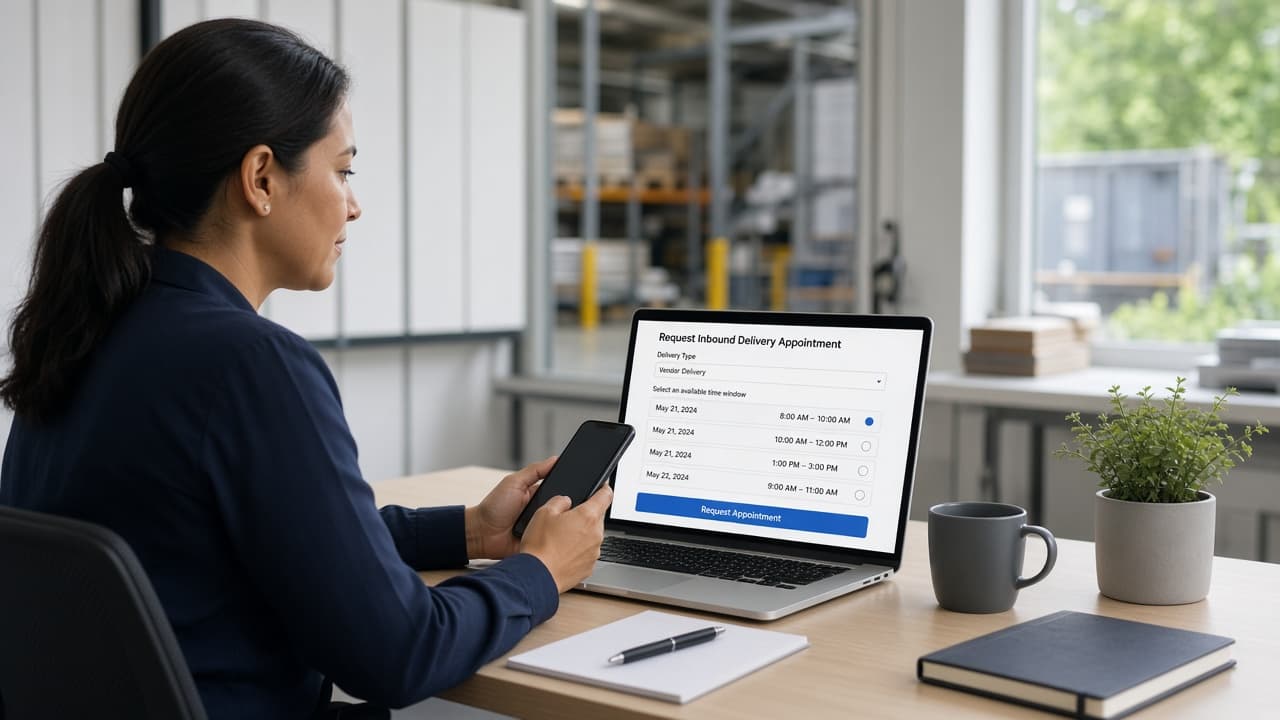
Vendor appointment requests
Plant invite links let vendors select an available window and submit it for plant approval — without creating Dockvera accounts. Confirmed appointments appear on the schedule after approval.
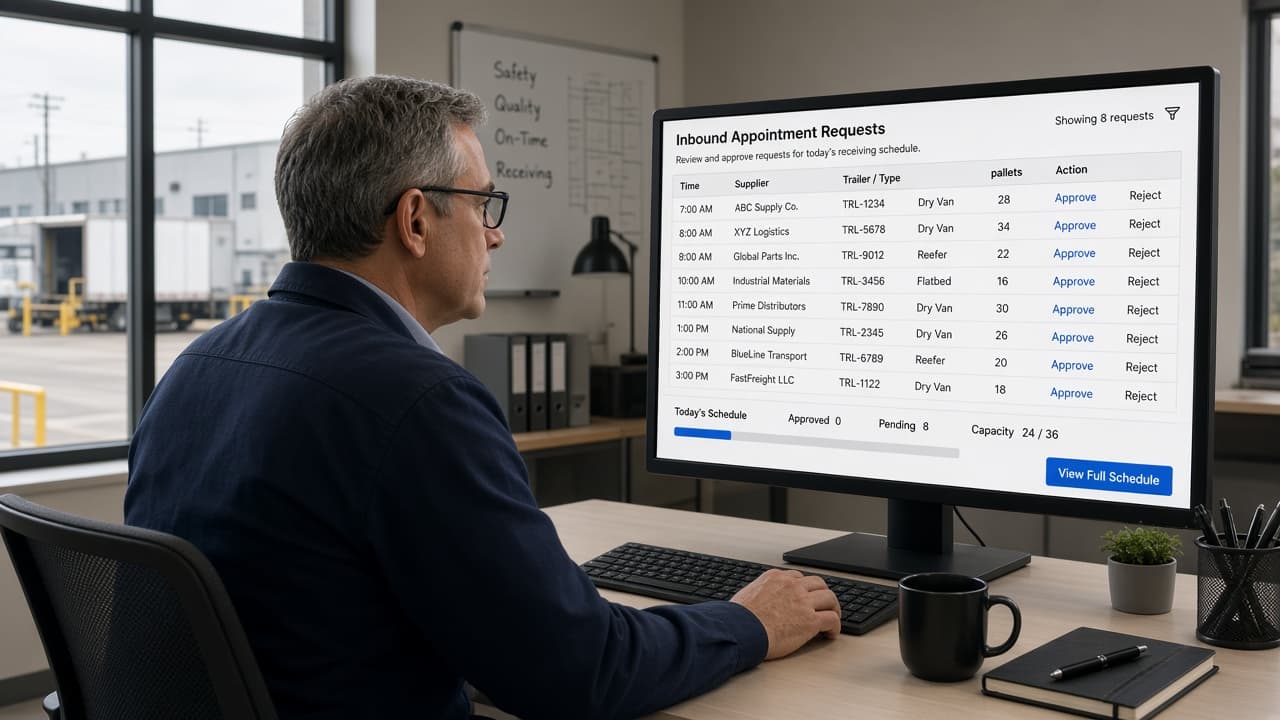
Approval & receiving capacity
Managers approve, reject, or request changes against a calendar that respects plant operating hours and closures — so capacity stays under plant control.
Urgent & service deliveries
When a fixed slot isn’t the right fit, the plant can request urgent or service deliveries and the vendor confirms timing — without breaking the rest of the day’s plan.

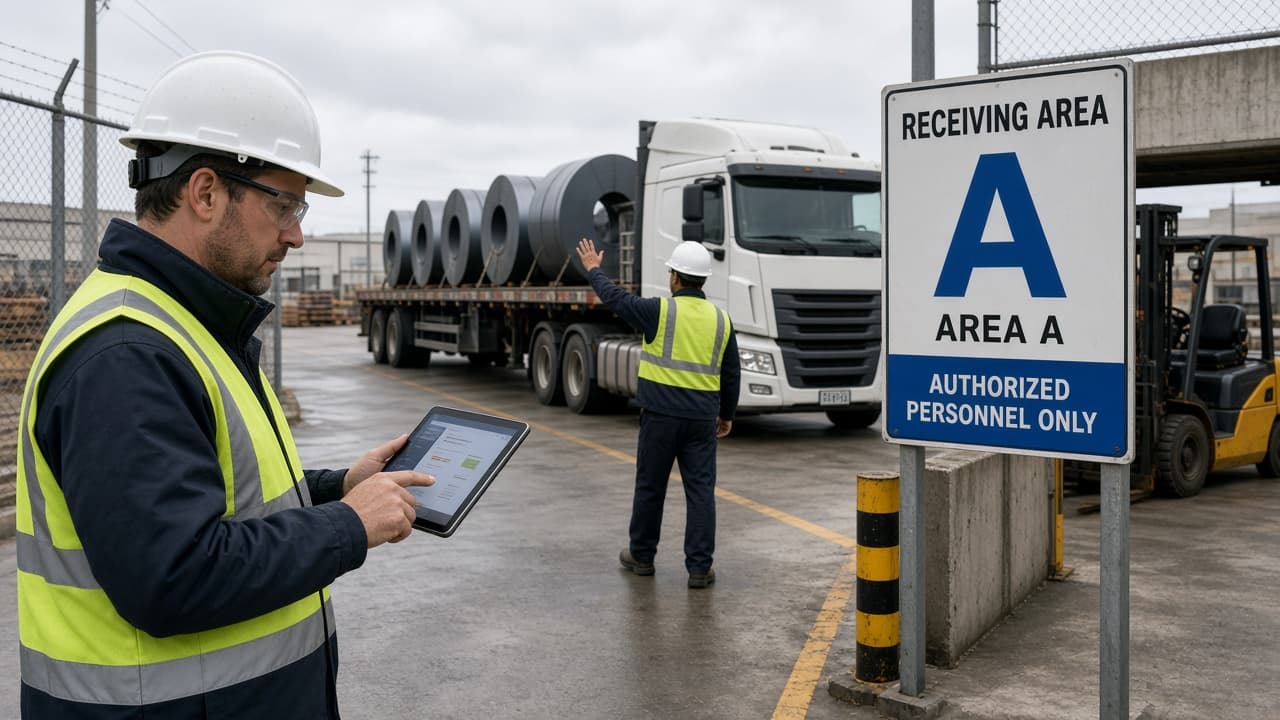
Security arrival
Security looks up appointments and records arrivals on tablets designed for the plant gate — so the fence knows who’s expected and where they belong.

Receiving-area coordination
Confirmation and post-arrival instructions, area contacts, PPE acknowledgements, and multi-plant roles under one organization — materials and locations get the right playbook.
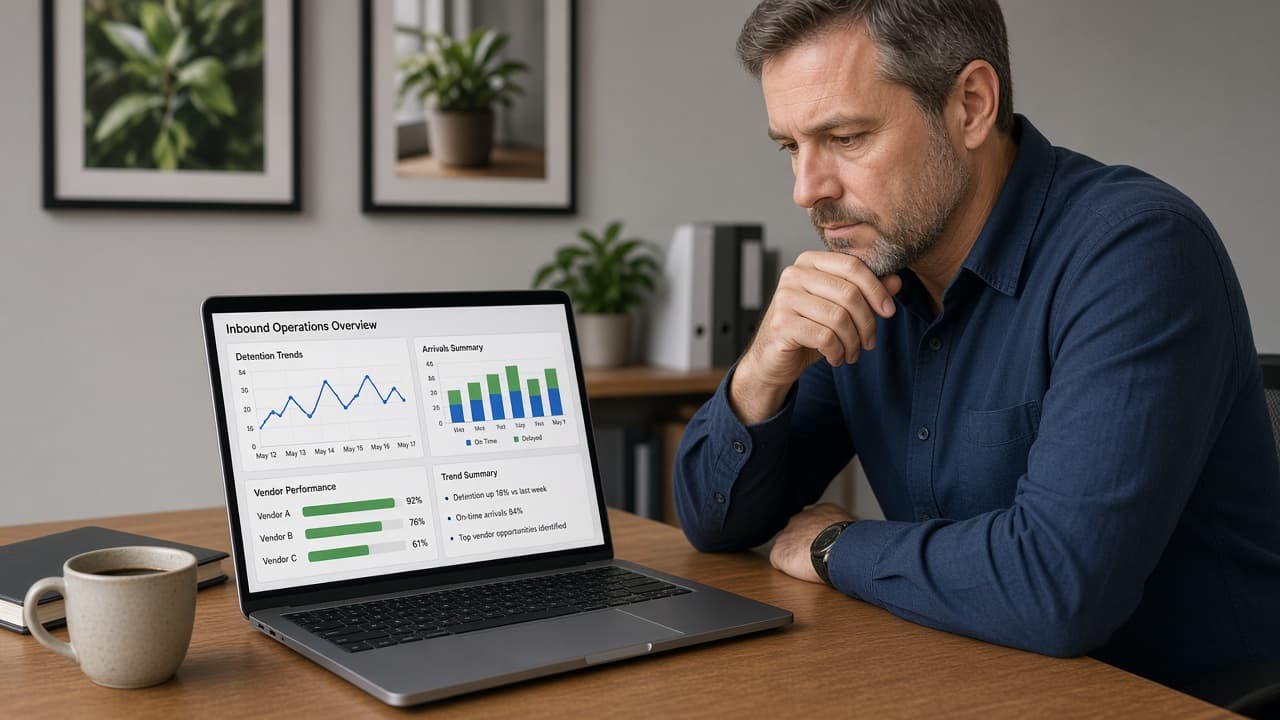
Detention & reporting
Optional detention tracking and review, plus manager reporting for inbound trends and vendor performance — so plant leaders can act on what actually happened.
Images are illustrative marketing scenes — not screenshots of the live Dockvera application. Product details may differ in your plant environment.